GEOSTIX-X5
The GEOSTIX-X5 is based on Septentrio’s mosaic-X5 GNSS module. It stands out from other GEOSTIX models with several additional features:
Web configuration interface
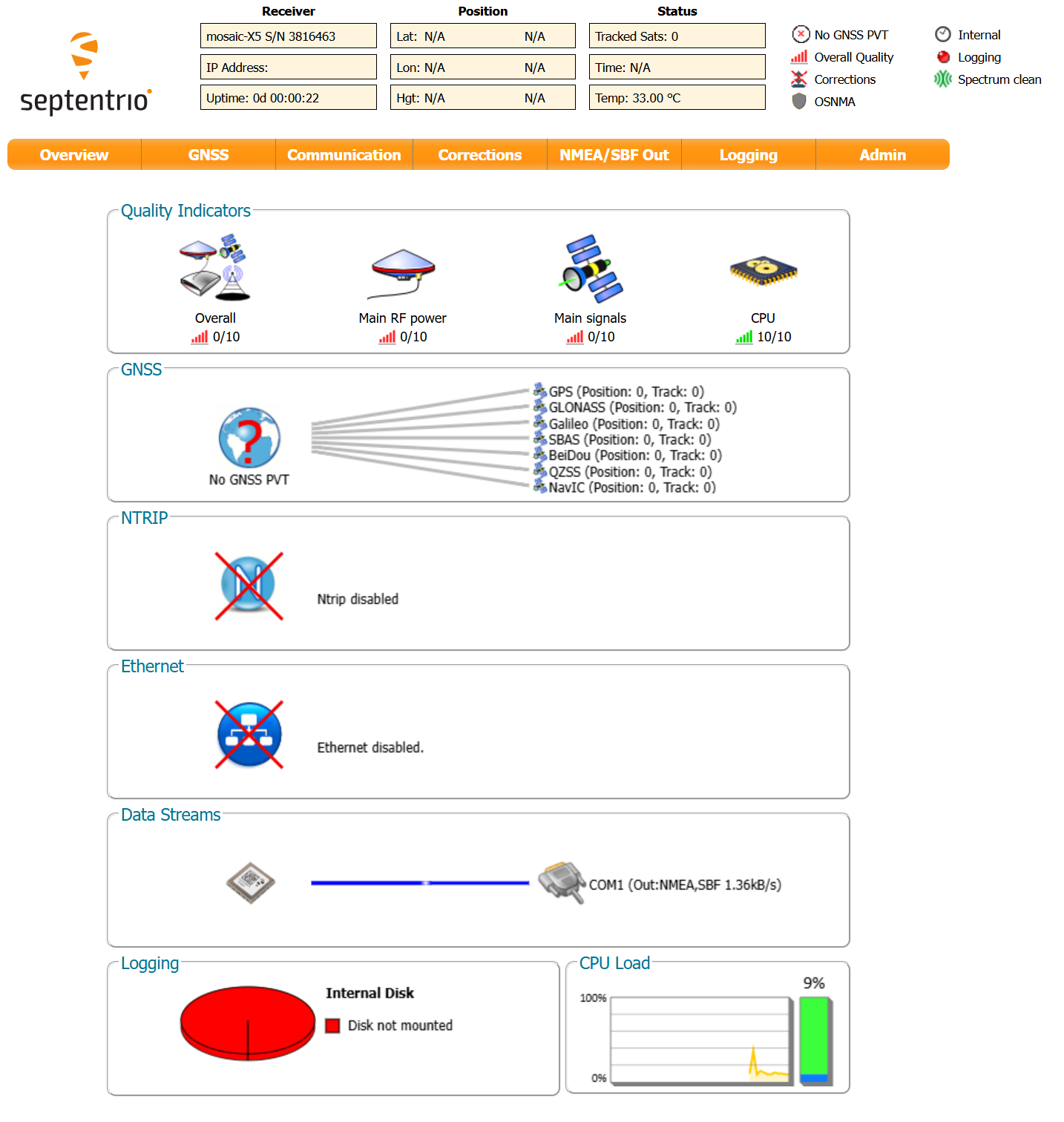
Section titled “Web configuration interface”Ethernet via USB: when the GEOSTIX is connected to a PC via the magnetic USB cable, it provides access to the module’s settings through a simple web browser at 192.168.3.1.
Accessing recorded data
Section titled “Accessing recorded data”The GEOSTIX-X5 features a built-in SD card that automatically records RINEX data at 1 Hz on a daily basis.
When connected to a PC via the magnetic USB cable, the SD card is exposed as a mass storage device. It contains the directory SSN/GRB0051 (GRB0051 is the mosaic-X5 code name).
Directory structure: Sessions are stored in subdirectories named YYDDD, where:
- YY — year of the first recording
- DDD — day of the year of the first recording
File naming convention: Files follow the pattern gstxDDDX.YYo (observations) or gstxDDDX.YYp (ephemerides), where:
- DDD and YY — day and year of the first recording
- X — session identifier within the day:
0for a full-day recording1–9thenA–Ofor hourly sessions (hours 1 through 24)
Configure automatic RINEX saving
Section titled “Configure automatic RINEX saving”It is entirely possible to change different parameters concerning RINEX recording. This is done from the web interface, using a browser (address 192.168.3.1)
-
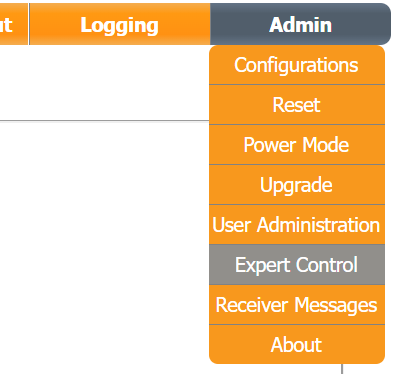
Click on the “Admin” tab then select “Expert Control”
-
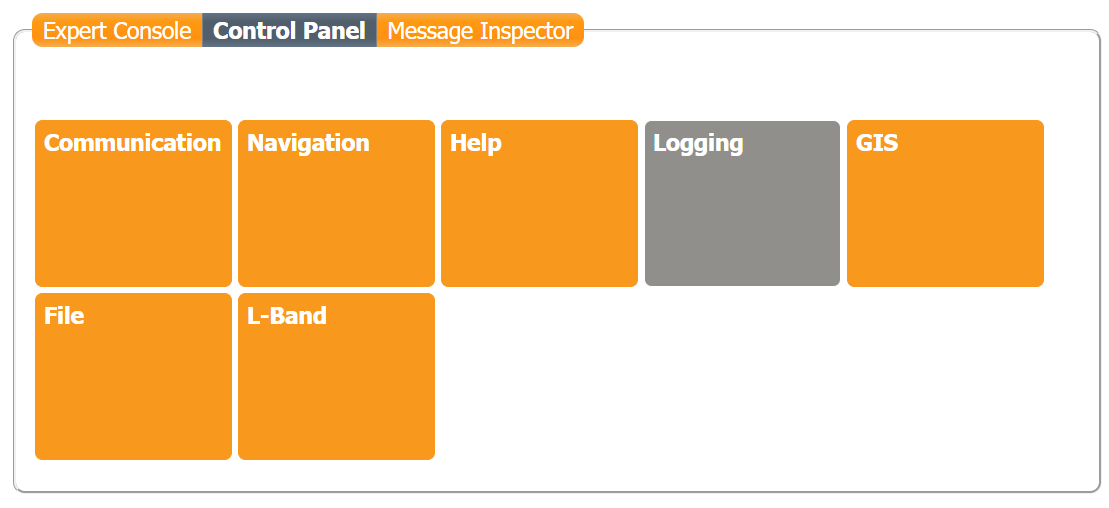
Click on Logging
-
Click on “Internal RINEX Logging”
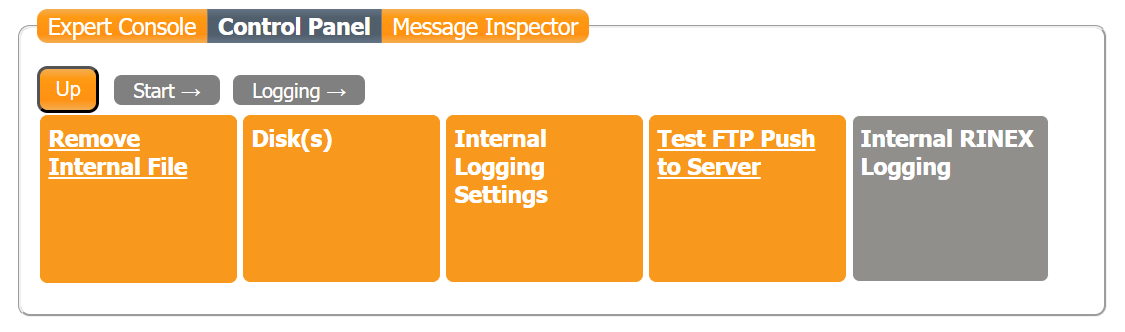
-
Click on “RINEX Logging Options”
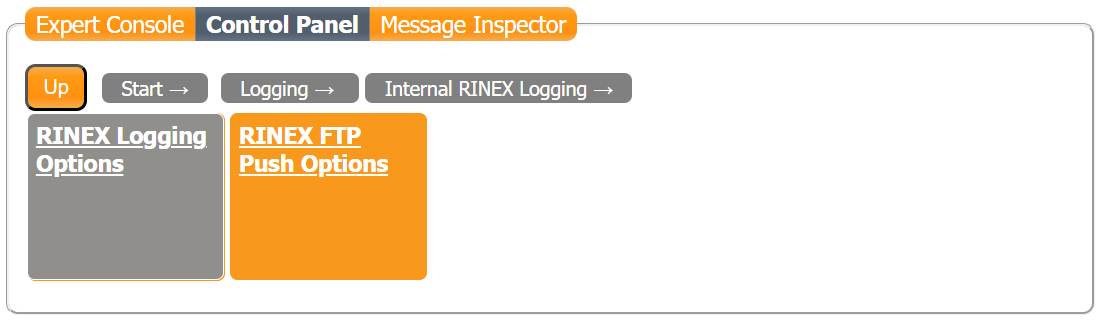
-
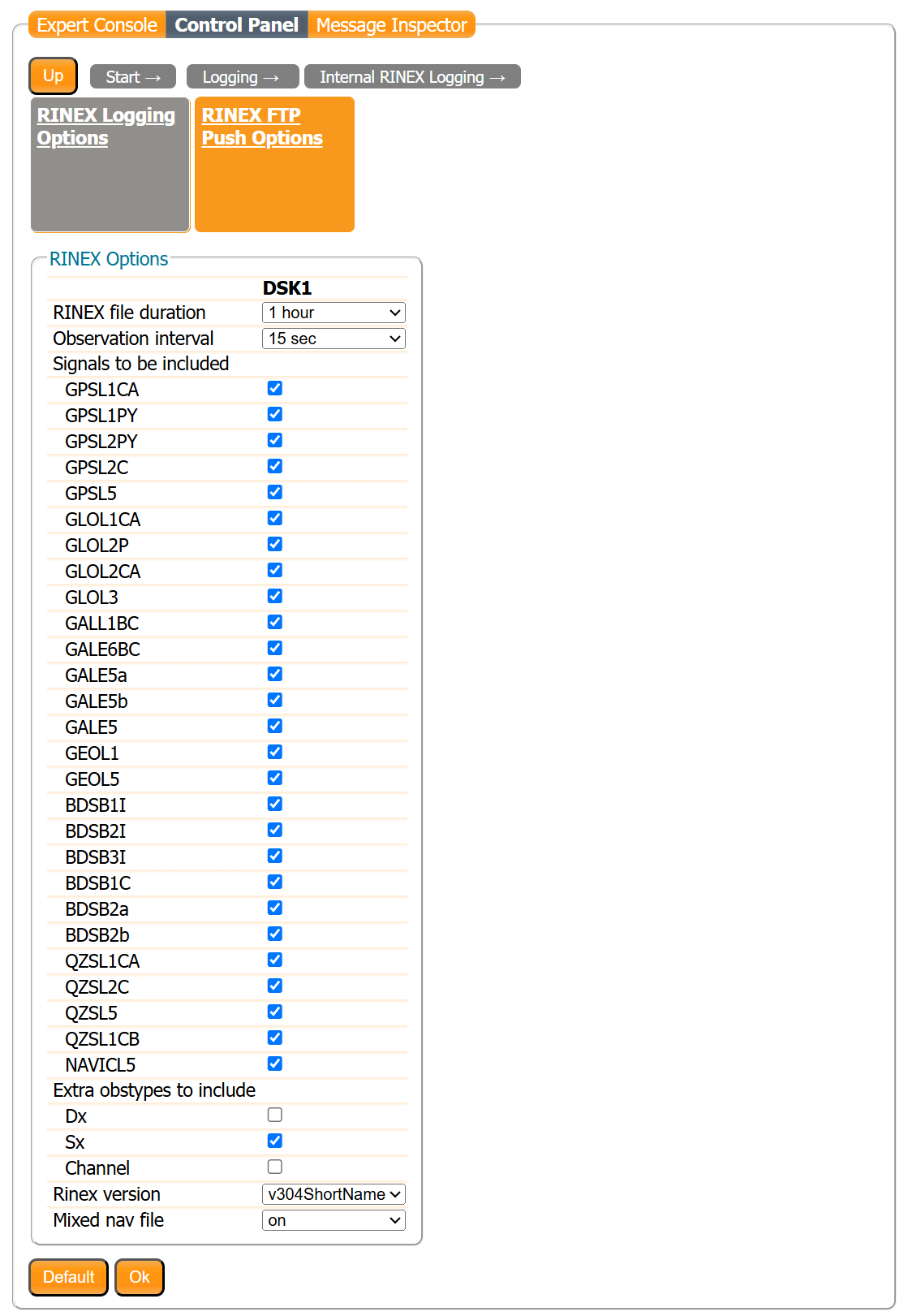
Here is the RINEX saving configuration interface: You can then configure hourly or daily saving, frequency, or the RINEX format version.