

LEDs, Status Indicators
GEOSTIX devices are equipped with four status indicators: three on the front panel and one on the rear side. The front-facing LEDs are multicolor and indicate the operating status of:
- the GNSS module (satellite icon)
- the GEOSTIX microcontroller (CPU icon)
- the Bluetooth interface (Bluetooth icon, bottom)
The rear-facing LED is green-only and indicates battery charging activity.
| GEOSTIX - Front View | GEOSTIX - Rear View |
|---|---|
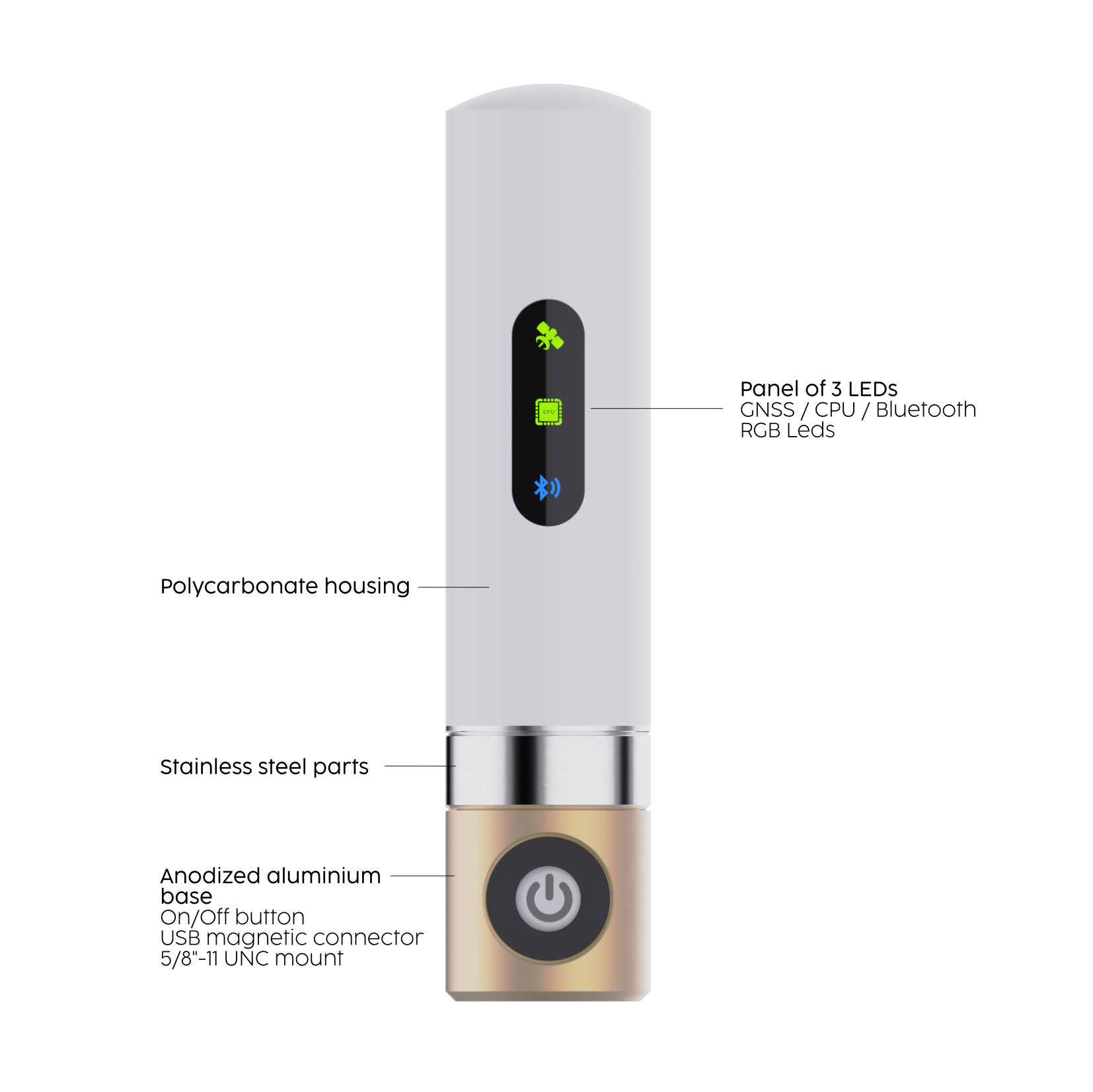 |  |
| The front panel hosts 3 multicolor status LEDs. | A single green LED on the rear indicates active battery charging. |
SATELLITE LED
Section titled “SATELLITE LED”| SATELLITE LED State | Description |
|---|---|
 | GNSS module initializing or no valid satellite signal detected. |
 | GNSS in SINGLE or DGNSS mode (code-based corrections, e.g. SBAS). |
 | RTK FLOAT mode (carrier-phase ambiguities unresolved). |
 | RTK FIX mode (carrier-phase ambiguities resolved). |
 | BASE station mode: broadcasting corrections via RF, Wi-Fi or 4G/LTE (depending on connected module). |
CPU LED
Section titled “CPU LED”| CPU LED State | Description |
|---|---|
 | System operational, GPS time not yet synchronized. LED blinks at 1 Hz. |
 | System synchronized with GPS time. LED blinks at 0.5 Hz. |
 | System running, but battery level is below 15%. |
 | Battery critically low. Triple red flash at startup indicates failure to boot. |
 | Overlays other CPU states. Indicates active write operations to microSD card. |
BLUETOOTH LED
Section titled “BLUETOOTH LED”| BLUETOOTH LED State | Description |
|---|---|
 | Device is in Bluetooth discoverable/pairing mode. |
 | Active Bluetooth connection established. |