Quick Start Guide
GEOBSYS has developed the GEOSTIX APP to make high-precision GNSS technologies accessible and easy to use for everyone. This guide walks you through the different steps to get started.
To use the GEOSTIX, please follow these steps:
-
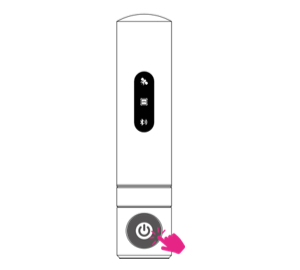
Power on the GEOSTIX.
Press the button located at the base of the GEOSTIX.
-
Download the GEOSTIX APP on your Android or iOS smartphone.


-
Launch the GEOSTIX APP.
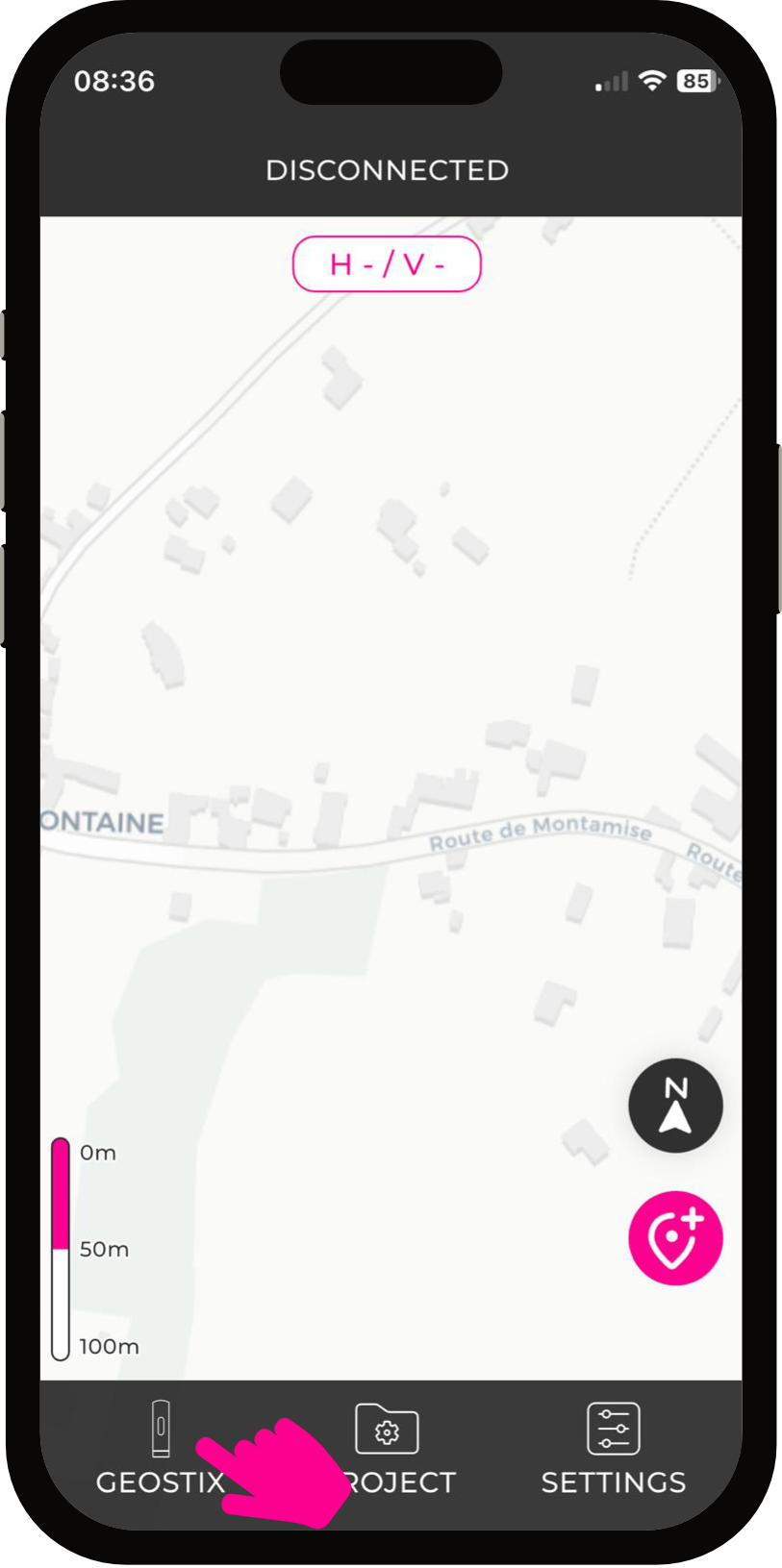
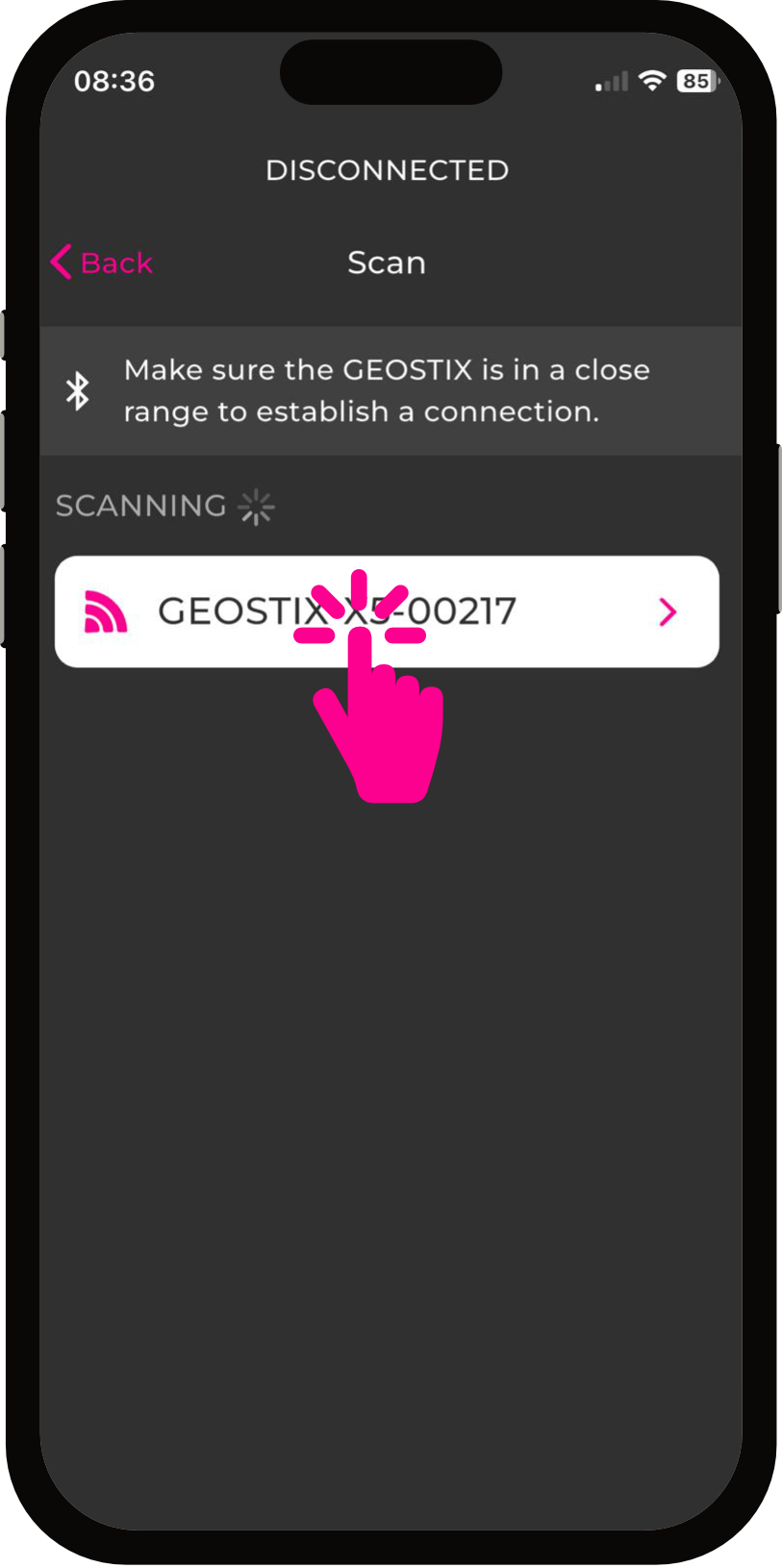
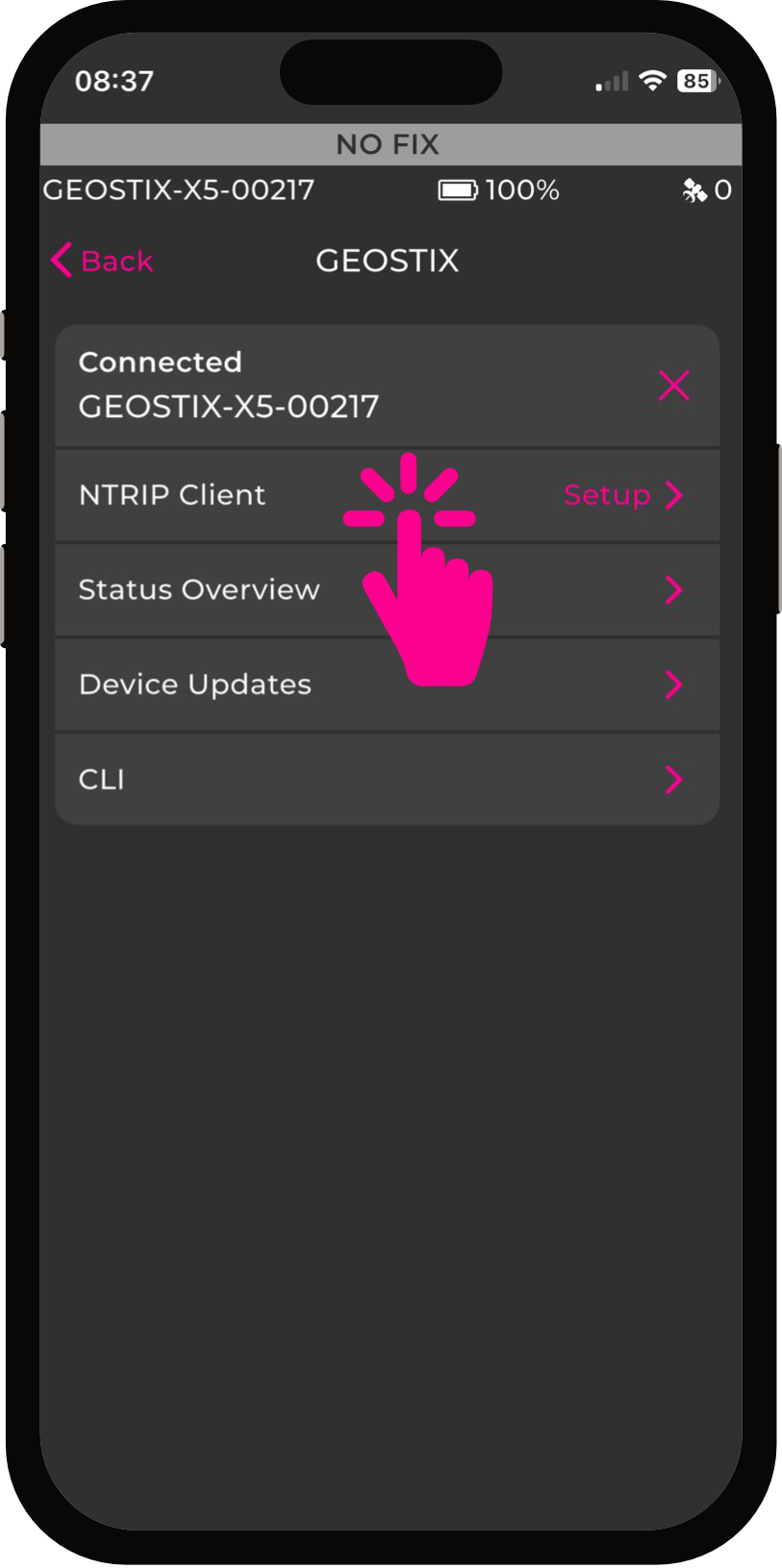
Tap the GEOSTIX icon at the bottom left. Select the GEOSTIX device that just appeared: it is now connected to your smartphone.
-
Connect to an NTRIP caster.
Tap “NTRIP setup” and enter the caster connection parameters.
You can, for example, connect to Centipède.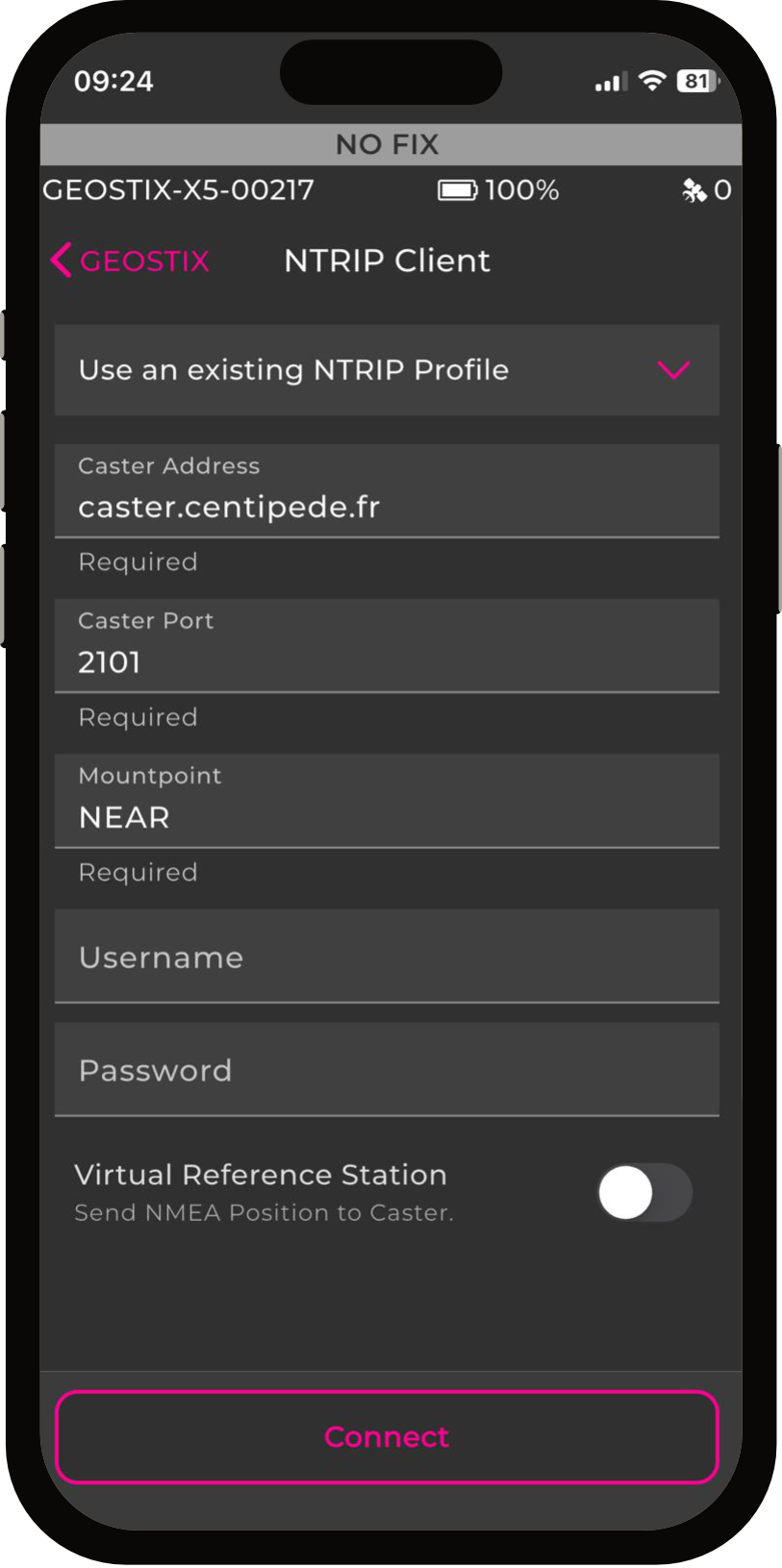
Tap “Connect”.
-
Start collecting.
Return to the map screen.
Tap the point survey icon at the bottom right, then start an averaged point survey.
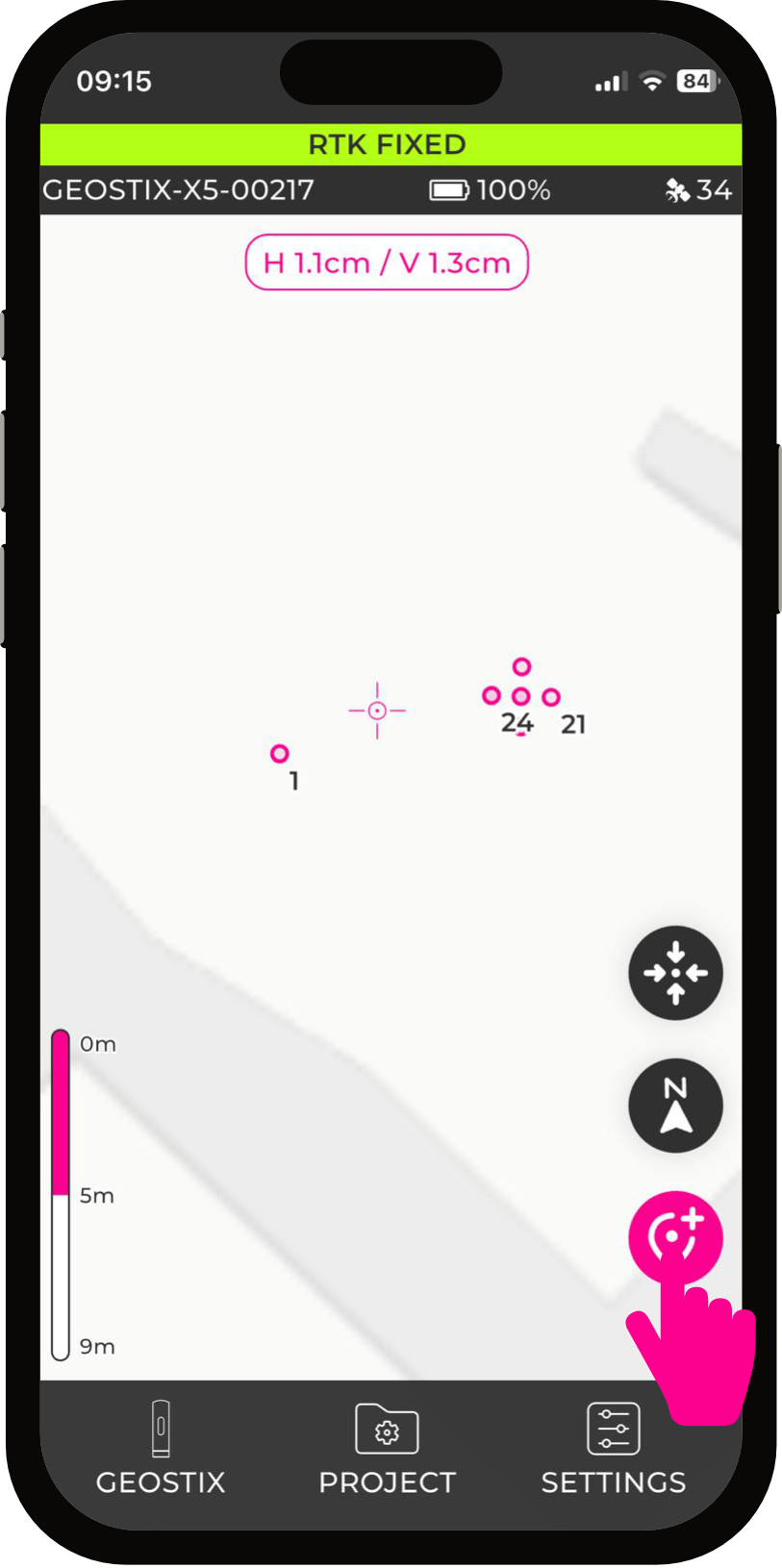

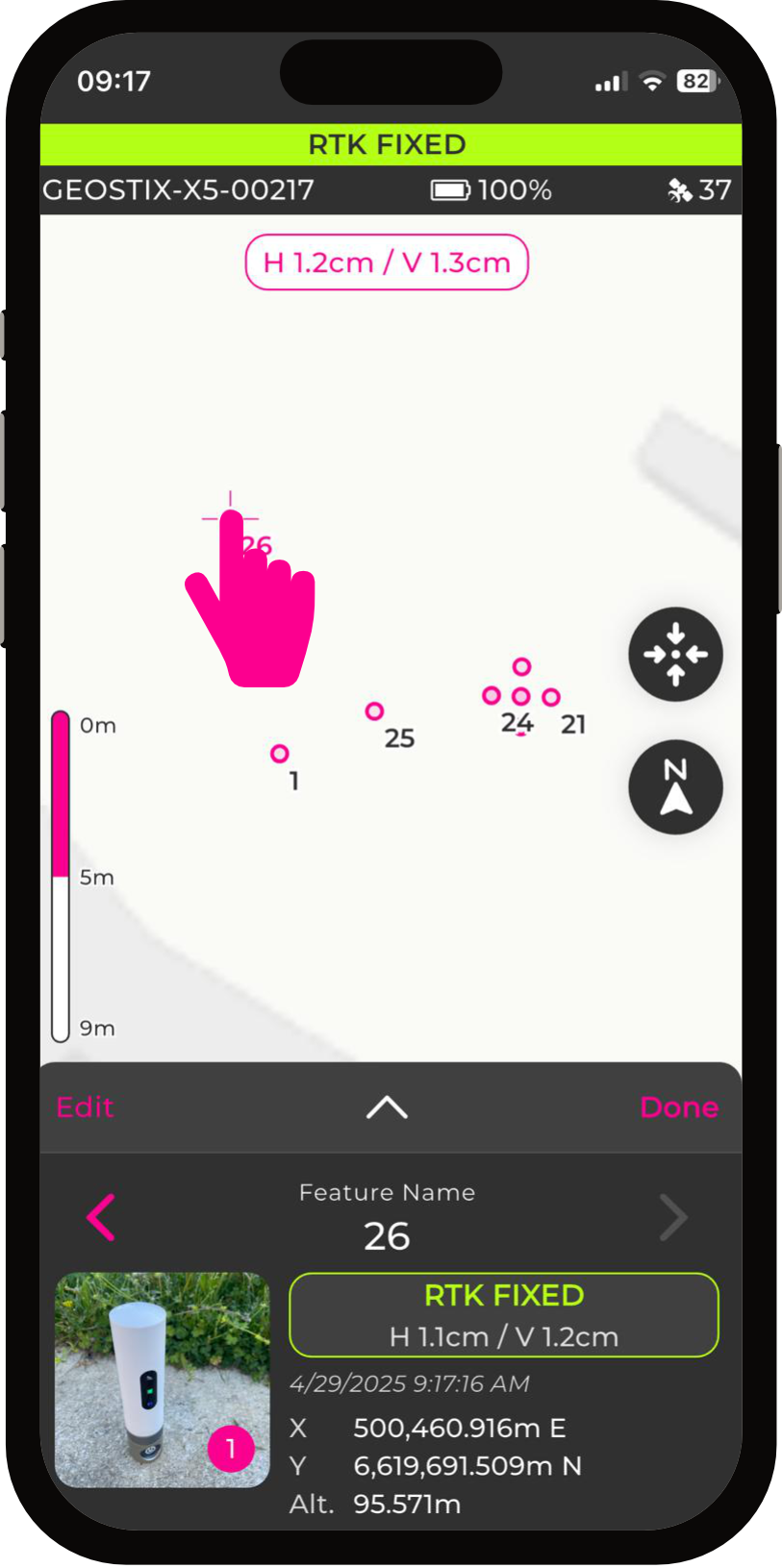
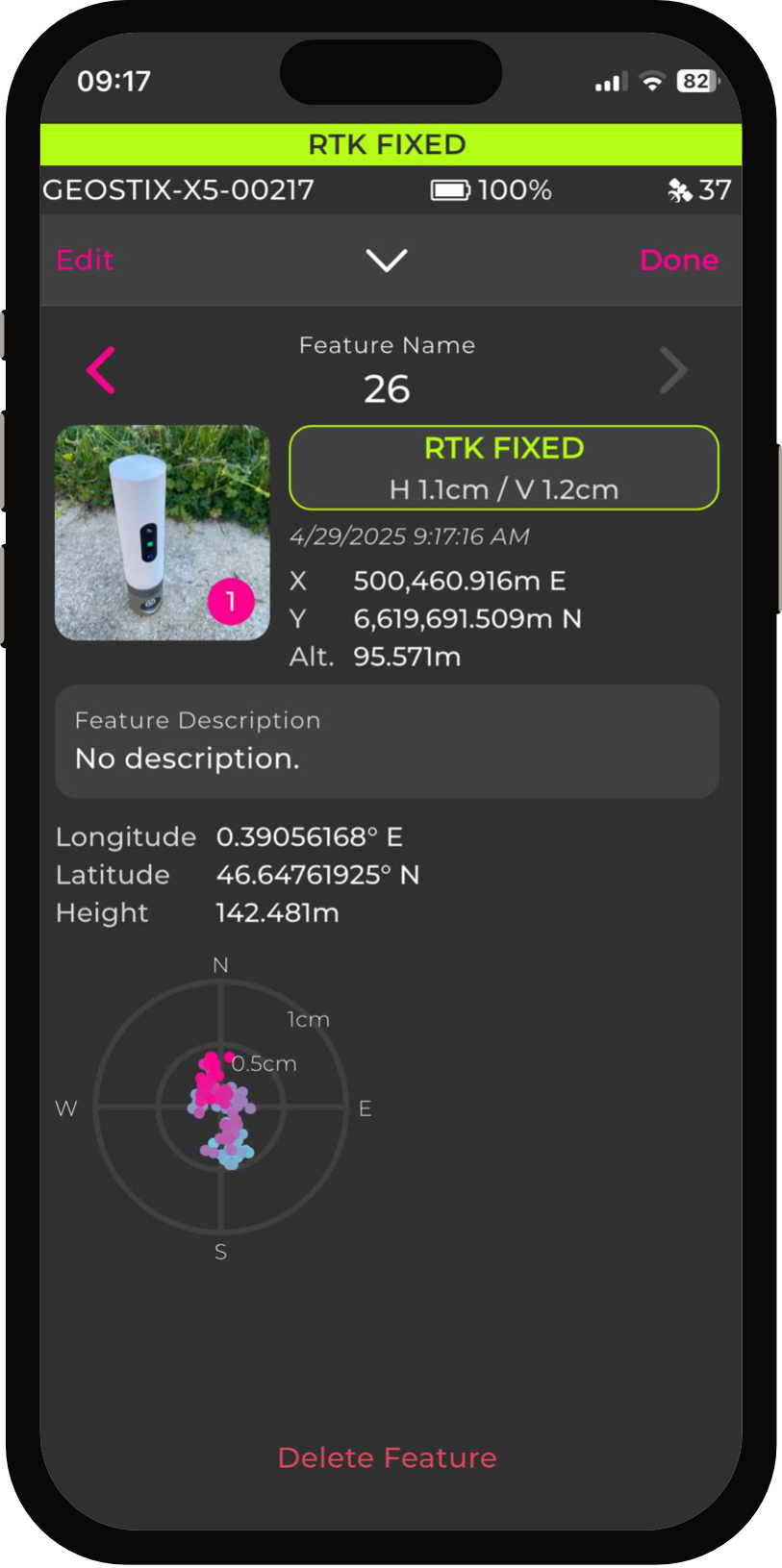
You can then tap on the recorded point (on the map) and add a description or a photo.