

Configuration
APN Configuration
Section titled “APN Configuration”Each layer equipped with 4G connectivity requires individual APN (Access Point Name) settings.
-
Insert the SIM card.
Insert the SIM from the bottom of the 4G layer. The reader uses a push-pull mechanism: push the SIM card in fully (you’ll hear a click) and release. The SIM is inserted. To remove it, push it fully in again (you’ll hear a click) and release quickly.
-
Connect the GEOSTIX to the 4G layer
Place the GEOSTIX on the 4G/LTE layer, aligning the notches, then screw the stainless ring onto the layer.
Power on the system.
You should see this:
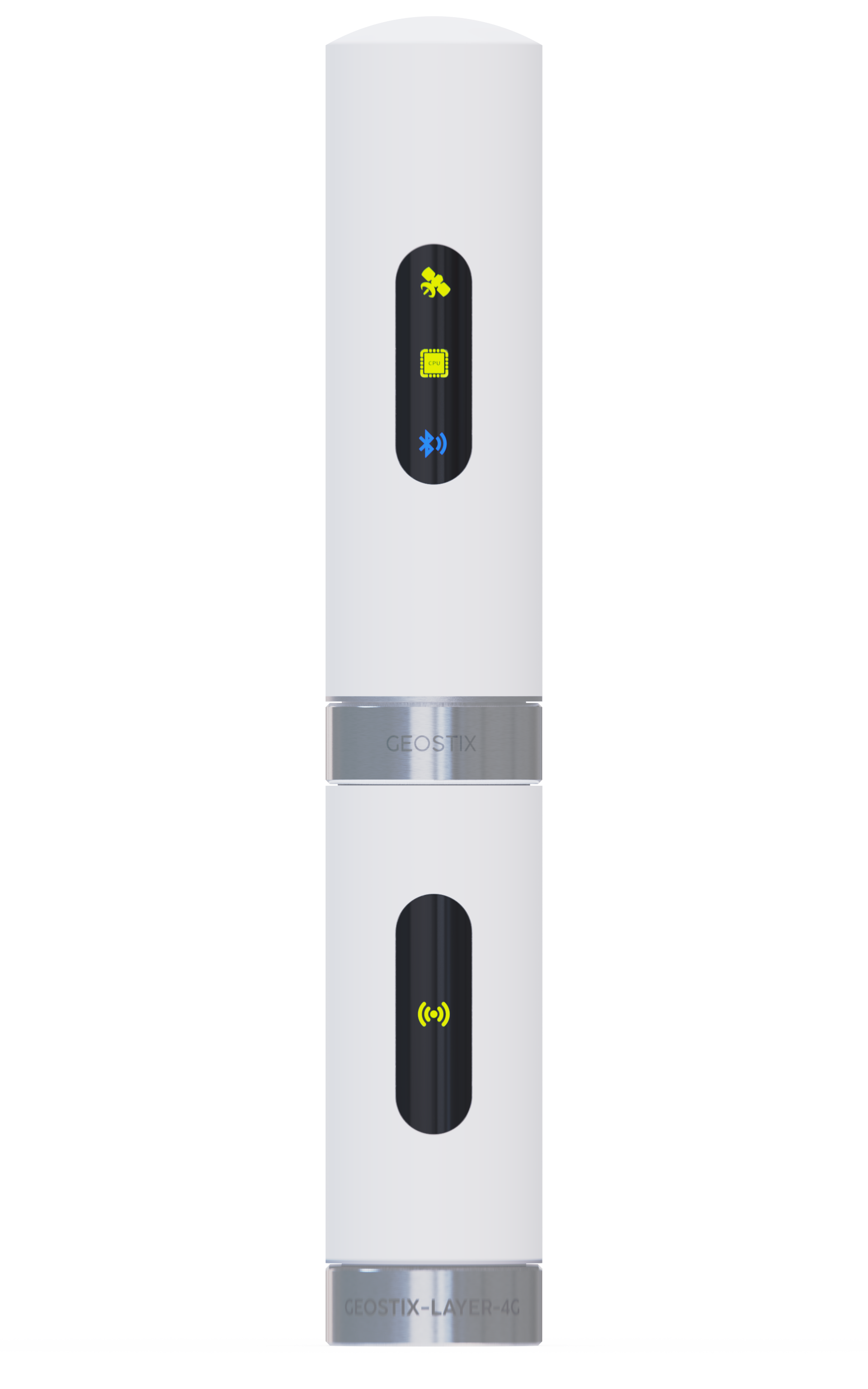
-
Enter the connection parameters
Wait for the 4G layer’s light to switch from orange to green (5 to 10 seconds).
Send the letter “C” to the GEOSTIX via the command prompt. You’ll receive the following output with available 4G/LTE-related commands:
cmd C >C'C' subcommands:C init IAMSURE : initialize modemC version : print module versionC IMEI : print module unique identifierC unlock pin : enter pin to unlock SIMC AT command : send AT commandC apn [value] : get/set gateway nameC signal : report signal quality+OK>Typing just the first letters of a command runs it. For example,
Cvwill run “C version : print module version”.To configure the APN for your SIM card’s carrier, send
Cafollowed by the APN string.If your provider is Bouygues, send:
Ca mmsbouygtel.com.Below is a list of carriers and their APNs:
CARRIER APN CARRIER APN Bouygues tel mmsbouygtel.com Carrefour Mobile orange.acte Free Mobile free La Poste Mobile wapdebitel M6 Mobile ofnew.fr NRJ Mobile ofnew.fr NRJ Mobile orange.acte Orange & Sosh orange PRIXTEL sl2sfr Virgin Mobile ofnew.fr SFR sl2sfr SFR Blocked Plans wapsfr The OK response may take several seconds to appear.
It is then advisable to perform a ping to ensure a proper internet connection:
>N'N' subcommands: N info [interface] N ping host [timeout]+OK>Np 8.8.8.8PING 8.8.8.8 (8.8.8.8): 32 data bytesRequest 0 time=186 msRequest 1 time=26 msRequest 2 time=38 ms+OKIn the example above, the Np command pings the address 8.8.8.8, and the immediate responses confirm that the connection is working properly.